
Digital Reference Sheet Required?
A digital image depicting the correct values and up-to-date design of your character.
Preferably non-painted/shaded.
Preferably in it’s original resolution and not jpeg'd.
A fantastic website to host a crisp image of your reference sheet is refsheet.net.
What is a reference sheet?
That's okay. Draw one. A stick figure with the correct hex codes will work.
If you know how to use an art program, feel free to use this free base to get a concept down.
What if I don't have a digital reference sheet?
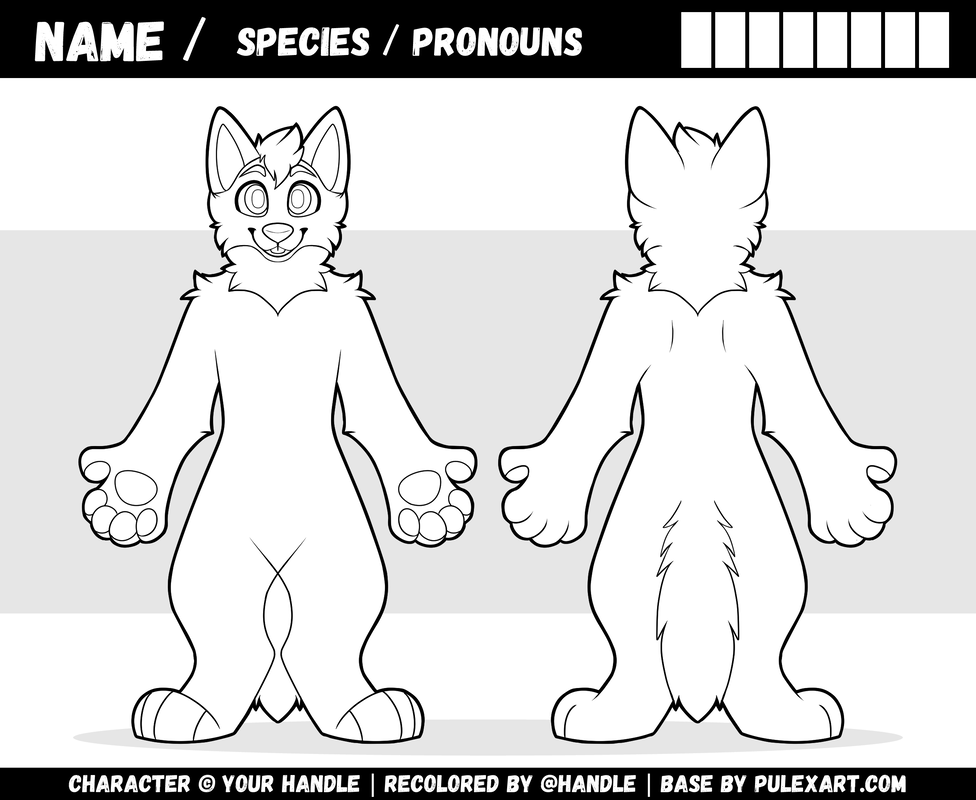
Wolf Reference Sheet Base!
File includes:
Photoshop file containing editable layers.
Krita file containing editable layers.
Clip Studio file containing editable layers.
Procreate file containing editable layers.
A flat .png file in case you hate layers or just want to print it out.
⚠Terms of Service
Assets:
Fonts: Gagalin
Symmetry Tutorial
Clip Studio: Toggle the symmetry guide on and off by right clicking the ruler icon on the folder, and selecting "Show Ruler". (Ex.1)
Krita: Toggle the symmetry guide by clicking on the "Horizontal Mirror Tool" Button at the top. You can then drag the guide accordingly by grabbing the circle above the guideline. (Ex.2)
Photoshop: The symmetry guide can be toggled by clicking the butterfly icon at the top. You can move the guide by right clicking the butterfly and selecting "Transform Symmetry" to make the guideline moveable. (Ex.3)
Procreate: Official guide can be found here.
To color without a guide, color half of the character, use the rectangle selection tool to copy the half that you colored in, making sure to align it down the middle, then go to Edit > Copy, Edit > Paste as New Layer, Edit > Flip layer horizontally > And move and align accordingly. These options will vary in location at the top menu bar depending on the program.